


Resources
WordPress vs Custom Website: Which One is Right for Your Business?

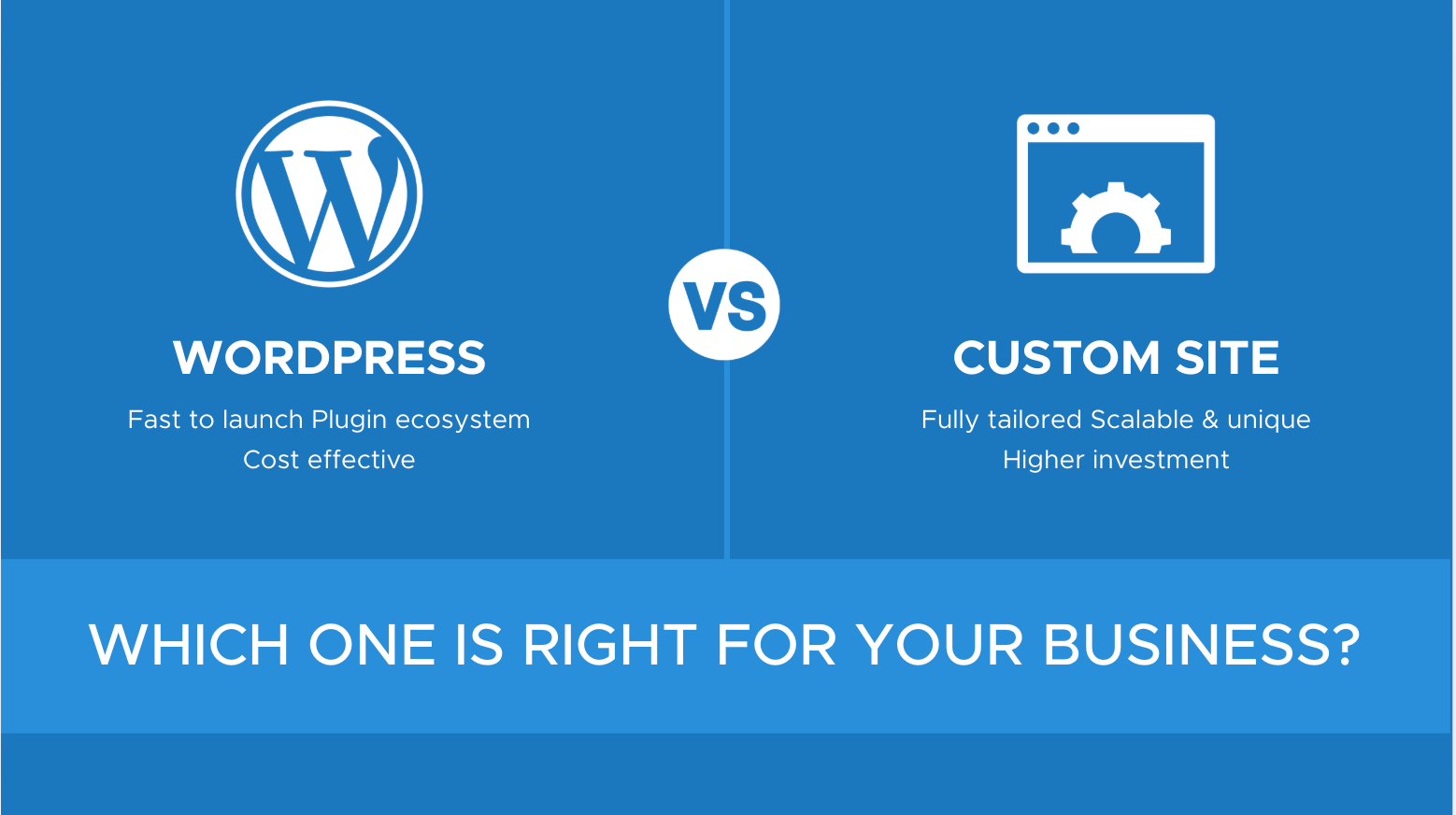
WordPress vs custom website is a decision most business owners make backwards. They start by asking which platform is “better,” when the real question is which platform matches how their business will actually operate over the next three to five years — not just what it costs to launch next month.
This guide skips the surface-level pros-and-cons list you’ve probably already read. Instead, it walks through the total cost of ownership over time, how each platform holds up for both traditional search and AI-driven search (AI Overviews and generative engines), and a practical self-audit you can run today to make the call with confidence.
WordPress vs Custom Website: What Each Option Actually Means
WordPress vs custom website starts with understanding that these aren’t two versions of the same thing — they’re two different philosophies of building.
WordPress is a content management system. The foundation (the core software, the database structure, the admin dashboard) already exists. You choose a theme, add plugins for the features you need, and manage content through a visual editor. You’re building on top of something.
A custom website is written from the ground up for your specific business, using languages and frameworks like React, Next.js, Laravel, or similar. Nothing is pre-built. Every feature, every line of code, and every content structure is designed around what your business needs — nothing more, nothing less.
Neither is a “starter” version of the other. They’re built for different operating models, and that distinction matters more than most comparisons let on.
WordPress vs Custom Website: The Real 3-Year Cost, Not Just the Build Price
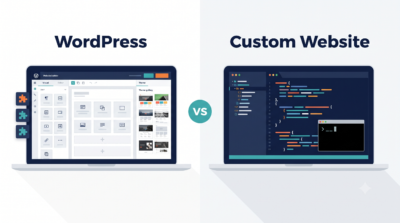
WordPress vs custom website comparisons usually stop at the invoice for the initial build. That’s the least useful number to compare, because it ignores everything that happens after launch.
With WordPress, the build itself is typically the smaller expense. The larger, less visible cost shows up over the following two to three years: premium pluginrenewals, theme updates, security patching, occasional plugin conflicts after a core update, and hosting that’s fast enough to keep your site competitive (budget hosting is often the reason a WordPress site feels sluggish, not WordPress itself).
With a custom build, the upfront investment is higher because every feature is engineered rather than installed. But there’s no plugin renewal treadmill, no theme abandonment risk, and no compatibility scramble every time WordPress pushes a core update. Maintenance costs are more predictable because you (or your developer) control every dependency.
Neither model is automatically cheaper over three years — it depends on how many plugins your WordPress site relies on and how complex your custom build is. The mistake is comparing only the day-one number and assuming that’s the whole story.
WordPress vs Custom Website: Performance and SEO Foundations
WordPress vs custom website debates often claim one platform is simply “better for SEO.” That’s an oversimplification. Both platforms can rank well — the difference is how much work it takes to get there.
WordPress gives you a head start on the basics: meta titles, meta descriptions, XML sitemaps, and schema markup are all manageable through plugins like Yoast or Rank Math without needing a developer for every change. What WordPress doesn’t give you automatically is speed. A default WordPress install with a heavy theme and a stack of plugins can load slowly, and page speed directly affects both search rankings and how long visitors stay on your site.
A custom-built site has no plugin weight to shed. Every line of code exists because your developer put it there on purpose, which typically makes it easier to hit strong Core Web Vitals scores. The trade-off is that meta tags, sitemaps, and schema aren’t automatic — they have to be built in deliberately from day one, and every future update to those elements needs developer time unless a content layer is built in.
The honest takeaway: WordPress makes good SEO accessible without a developer on standby. Custom development makes excellent technical performance achievable, but only if SEO fundamentals are deliberately engineered in from the start rather than treated as an afterthought.
WordPress vs Custom Website: Readiness for AI Search (AI Overviews and Generative Engines)
WordPress vs custom website comparisons rarely address a factor that now matters as much as traditional rankings: how well your site feeds information to AI Overviews and generative AI answer engines. This is genuinely new territory, and it changes the calculation.
AI systems that generate answers (rather than just listing links) tend to favor content that’s structured clearly — clean heading hierarchy, direct answers near the top of a section, and well-formed schema markup (especially FAQ and Article schema) that makes your content easy to parse and extract without ambiguity.
On WordPress, this is achievable but requires intent. Default themes and page builders often bury content in nested divs and shortcodes that make clean extraction harder for AI crawlers, even though the visible page looks fine to a human reader. Getting AI-search-ready on WordPress usually means choosing a lightweight theme, avoiding heavy page builders for core content pages, and manually implementing structured data rather than relying on plugin defaults.
On a custom build, semantic HTML and structured data can be designed in from the first line of code, which gives a real advantage for AI crawlability — but only if whoever builds your site actually understands generative engine optimization. A custom site built by a developer who isn’t thinking about AI search readiness offers no advantage at all here; it’s just clean code that happens to be invisible to answer engines in the same way a messy WordPress site is.
In short: the platform doesn’t decide your AI search visibility. Deliberate structure does — and that has to be a stated requirement for whoever builds your site, WordPress or custom.
WordPress vs Custom Website: A Practical Self-Audit
WordPress vs custom website is easier to decide once you stop asking “which is better” and start asking these questions about your own business:
- How often will content change? If you or your team will be publishing, editing, or updating pages weekly, an easy editing experience matters more than raw performance headroom.
- Is your website the product, or does it support the product? A booking platform, marketplace, or SaaS tool where the site is the business usually justifies custom development. A service business, local shop, or consultancy where the site supports sales conversations usually doesn’t need to be custom.
- What’s your realistic 3-year budget, not just launch budget? Include hosting, maintenance, plugin renewals or developer retainers in that number before comparing.
- Do you have ongoing access to a developer? WordPress lets non-technical staff make day-to-day changes. Custom sites generally need a developer involved for anything beyond content edits, unless a content layer is built in specifically to avoid that.
- How complex are your integrations? Standard forms, bookings, and payments are well-served by existing plugins. Highly specific workflows, proprietary logic, or unusual integrations are where custom development earns its cost.
If most of your answers point toward frequent self-editing, standard functionality, and a tighter initial budget, WordPress is the sound choice. If your answers point toward the website being a core competitive asset, unusual functionality, or performance as a genuine differentiator, custom development is worth the investment.
WordPress vs Custom Website: The Middle Ground Most Guides Skip
WordPress vs custom website doesn’t have to be a binary choice. A hybrid approach — sometimes called a headless build — pairs WordPress’s familiar content editing dashboard with a custom-coded front end that visitors actually see.
In this setup, your team keeps writing and publishing through WordPress exactly as before. But instead of WordPress directly rendering the page a visitor loads, a custom front end pulls that content and displays it, giving you performance and design control closer to a fully custom site without abandoning the editing experience your team already knows.
This isn’t the right fit for every business — it adds a layer of technical complexity and generally costs more than standard WordPress, though less than a fully custom build. But for a business that needs frequent self-publishing and strong performance, it’s a genuine third option worth asking about, not just a footnote.
WordPress vs Custom Website: What Happens When You Outgrow Your Choice
WordPress vs custom website decisions aren’t necessarily permanent, and knowing the exit path in advance removes a lot of the pressure from the initial decision.
Businesses that start on WordPress often migrate to custom (or hybrid) development once content volume, traffic, or functionality outgrows what plugins can reasonably support — the signal is usually a growing list of workarounds rather than a single dramatic failure. That migration is smoother when the WordPress site was built with clean content structure from the start, since well-organized content transfers more easily than a page-builder-heavy site with content scattered across proprietary blocks.
Moving the other direction — from custom to a CMS — usually happens when a business no longer has reliable developer access and needs its team to self-publish. This is generally more disruptive, since custom sites aren’t built with content portability in mind by default.
Neither path is something to fear, but it’s worth choosing your starting platform with an eye on how easily you could move later if your business changes shape.
Making the Decision
WordPress vs custom website ultimately comes down to matching the platform to how your business actually operates — not to which platform sounds more impressive in a sales pitch. WordPress remains the sound, cost-effective choice for most small and mid-sized businesses that need to self-publish regularly and don’t require unusual functionality. Custom development earns its higher cost when your website is a core competitive asset, when performance is a genuine differentiator, or when your functionality needs go beyond what plugins can reasonably support.
Whichever direction fits your business, the platform is only half the outcome — the other half is whether it’s built with clean structure, deliberate SEO fundamentals, and AI-search readiness from day one. That’s a requirement to raise with whoever builds your site, regardless of which platform you choose.
Frequently Asked Questions
Is WordPress good enough for a serious business website?
Yes, for the majority of small and mid-sized businesses. WordPress supports everything from brochure sites to full e-commerce stores, and with disciplined plugin choices and proper hosting, it can perform and rank well.
Is a custom website always faster than WordPress?
Not automatically. A poorly coded custom site can perform worse than a well-optimized WordPress site. Speed comes from clean code and deliberate optimization, not from the platform label alone.
Can a WordPress site rank well in AI Overviews and generative search results?
Yes, but it requires deliberate structure — clean heading hierarchy, direct answers, and properly implemented schema markup rather than relying on default theme or plugin behavior.
How do I know if my business has outgrown WordPress?
Common signals include a growing list of plugins working around limitations, slowing site speed despite optimization, or functionality needs that no combination of plugins can reasonably support.
Is a hybrid (headless) website a good option for a small business?
It can be, if your team needs to self-publish frequently and performance is also a priority. It costs more than standard WordPress but generally less than a fully custom build.